Sitecore® 10 Certified Developer

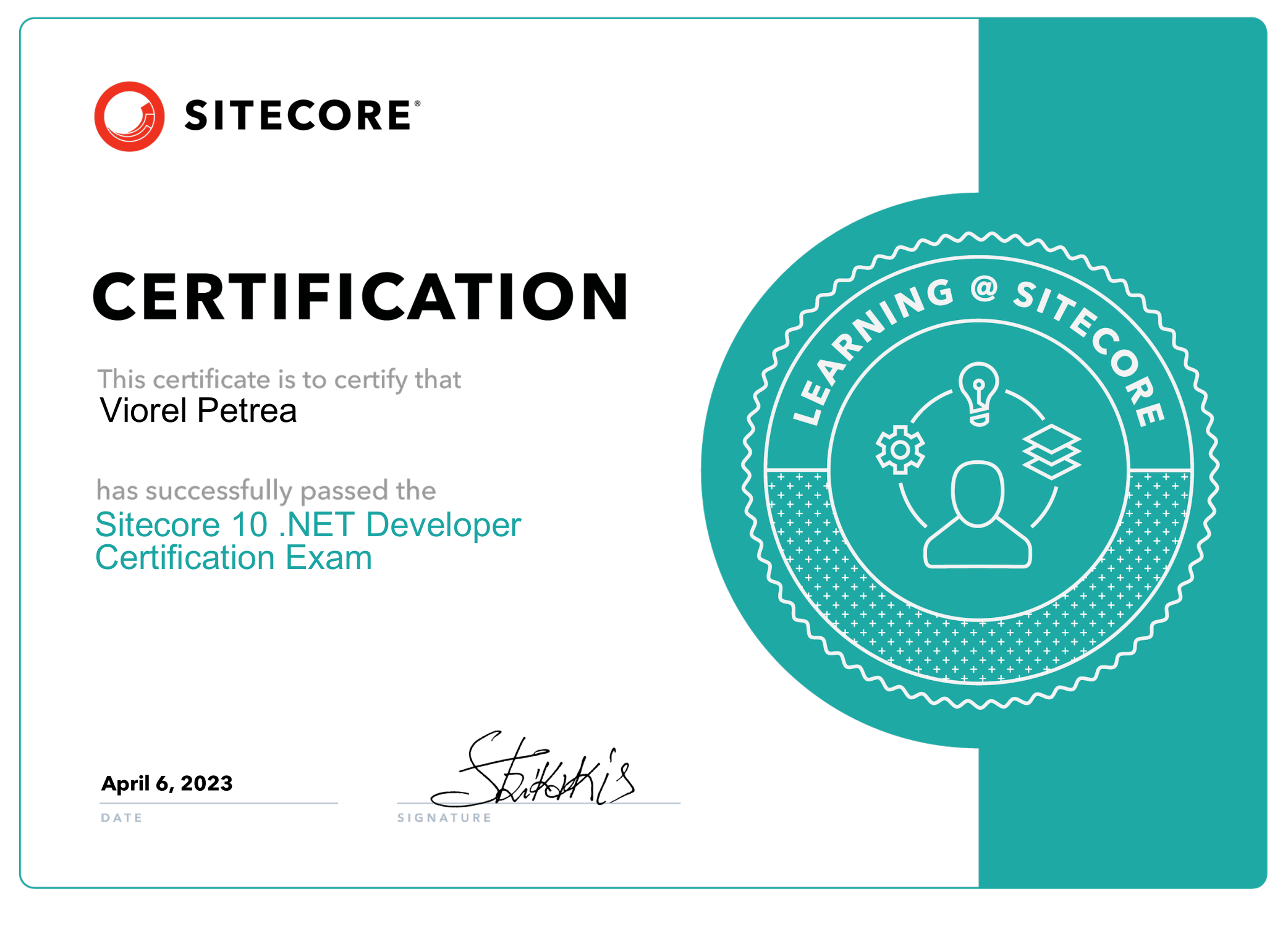
I am thrilled to announce that I have officially passed the Sitecore 10 Developer Certification! 🎓 This achievement is a testament to my hard work, commitment, and dedication to providing top-notch digital solutions for my clients.

As a Sitecore Certified Developer, I possess the knowledge and skills necessary to build and maintain robust Sitecore solutions that drive business growth and deliver exceptional customer experiences. I am excited to apply this expertise to help my clients achieve their digital goals.

I would like to thank the Sitecore community for providing valuable resources and support throughout my journey towards certification. I look forward to continuing to learn and grow as a Sitecore developer and contribute to the community.
PowerShell ISE in Sitecore to populate data in your meta tags

Hello guys,

Today I wrote my first PowerShell script and it felt amazing. The power of this module in Sitecore is pure genius. It lets you handle large bulk updates in the matter of seconds.

One of our requirements was to complete the Meta Tags of the entire website.

If you can imagine to go page by page it could take a day or more for one person and the risk of doing something wrong increases with the page number.

Luckily we have PowerShell ISE and it works like a charm.

<$homeItem = Get-Item -Path 'master:\content\home'       $allPagesThatHaveMetaTags = $homeItem | Get-ChildItem -recurse | Where-Object {$_.MetaDescription -ne $null }

In the allPagesThatHaveMetaTags we have all items that contain the field the MetaDescription.

Now it a foreach we can go item by item and update the MetaDescription field:

$allPagesThatHaveMetaTags | ForEach-Object {
$pageDescription = 'default meta tag description in case of no article body'
$metaDescriptionItem = 'default text'                                
if($_["Text"] -ne $null -and $_["Text"] -ne '')
{
$pageDescription = $_["Text"];
$metaDescriptionItem = 'Text field on the same item';
}

$_.Editing.BeginEdit()
$_["MetaDescription"] = $pageDescription
$_.Editing.EndEdit()

Write-Host 'Item with name ' + $_.Name + 'and ID' + $_.ID + 'has been updated with metadescription from ' + $metaDescriptionItem
}

Whith the &metaDescriptionItem I am creating a log list so I can know which items have default description and which have from the TEXT field.

Regards,

VP


Future publish in Sitecore Part 1

Hello,

I think all of us tried this at some point looking at out of the box features and surprise surprise you cannot do it 🙂

So here is my approach and it is a very simple one which can be extended in a much more complex piece of code but for my requirements it will do.

I have created a cs file with the code:  AutomatedPublish (not sure if its a English word)

public class AutomatedPublish
{
public void FuturePublish(Item[] items, Sitecore.Tasks.CommandItem command, Sitecore.Tasks.ScheduleItem schedule)
{
foreach (var item in items)
{
// The publishOptions determine the source and target database,
// the publish mode and language, and the publish date
Sitecore.Publishing.PublishOptions publishOptions = new Sitecore.Publishing.PublishOptions(
item.Database,
Database.GetDatabase("web"),
Sitecore.Publishing.PublishMode.SingleItem,
item.Languag,System.DateTime.Now);

// Create a publisher with the publishoptions
Sitecore.Publishing.Publisher publisher = new Sitecore.Publishing.Publisher(publishOptions);

// Choose where to publish from
publisher.Options.RootItem = item;

// Publish children as well?
publisher.Options.Deep = false;

// Do the publish!
publisher.Publish();
}
}
}

In sitecore you will have to create the command in the System -> Tasks -> Commands.

Continue reading

The winter is coming

Hello people,

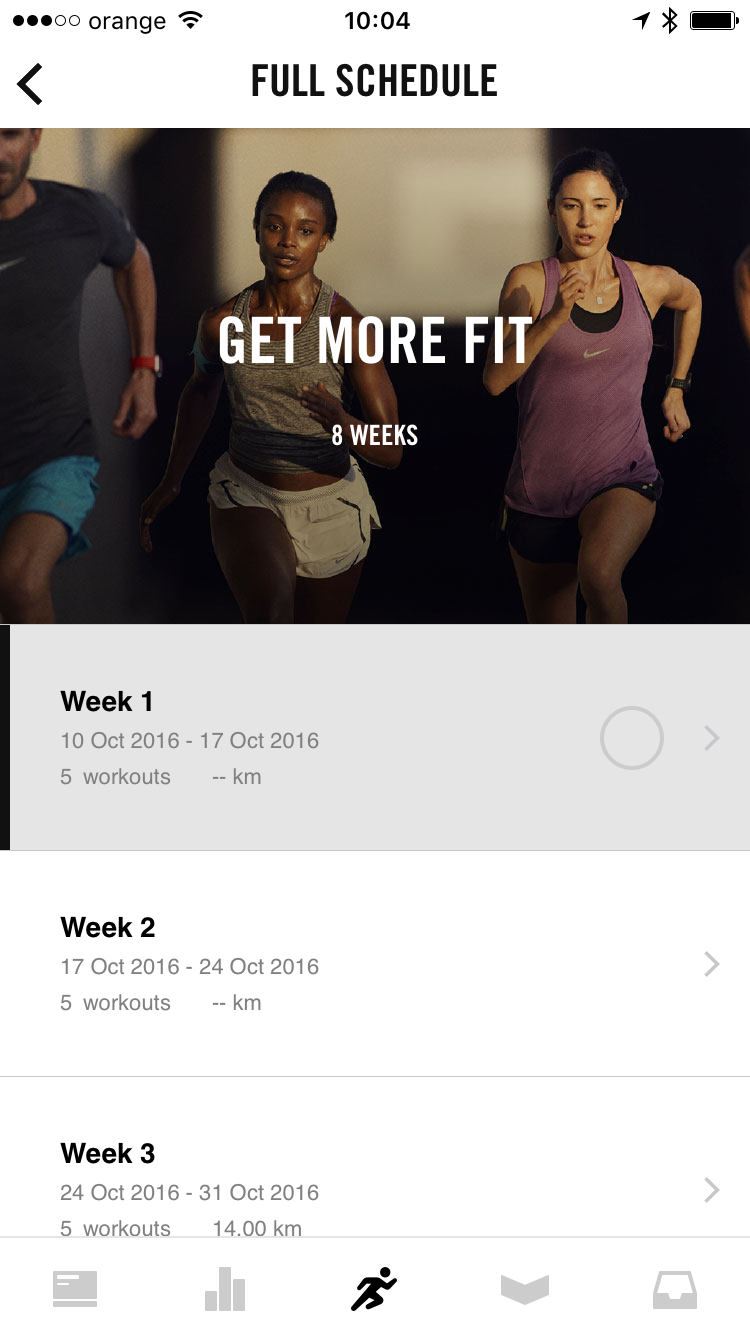
The winter is coming… and I need to start a new running plan otherwise I will lose my freaking mind in this darkness that lies ahead. Luckily the nike running app has a new look and update so lets give it a go. Because I ran before I started with a 8 week plan which has 4-5 runs a week with an average of 25 km per week. In addition the nike running app integrates with the Nike Training Club. It keeps getting better and better.

Also the app for the apple watch is updated so now you can run without your phone.(Awesome!!) but you will need your phone if you want to track the route with the gps.

I will keep you posted with updates along the plan.

getmorefit

#getmorefit #2016gobigger


Flying Zuzzi v1.2

Hello,

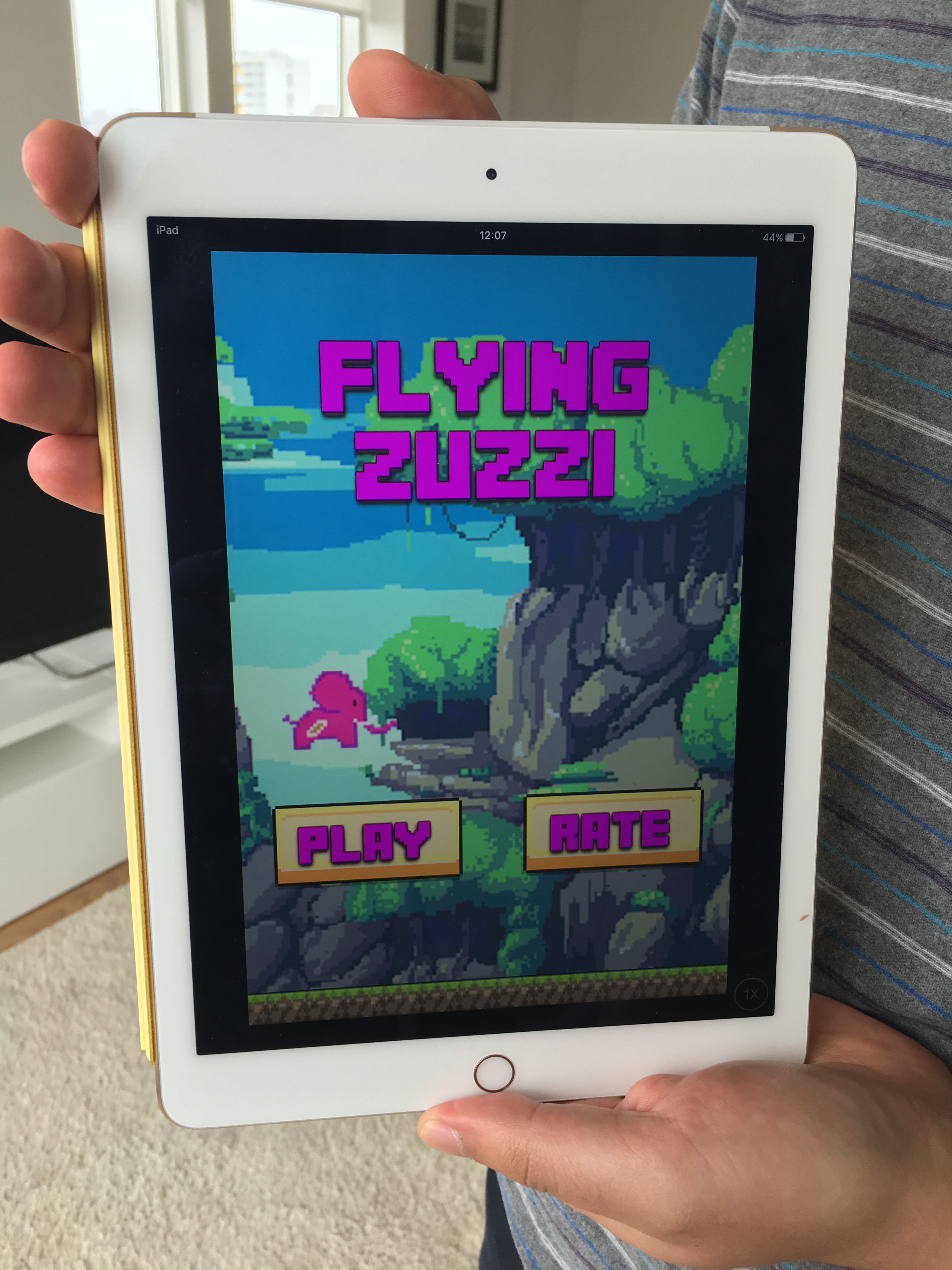
You can now play Flying Zuzzi on your iPad just search for the game under iPhone apps in the iPad AppStore. It is not yet a native app but it looks good.


IMG_2905

Flying Zuzzi

As I was building this app it occurred to me that I need to add some features to it but was it a good ideea to extend an existing app? is this app to much of a copy? do people only create this Flappy Bird game to gain profit ? where is my passion ? what can I bring to the AppStore to be fresh and new?

This are just a few of the questions to which I try to find answers. So I decided to create a final version of my first app ,Flying Zuzzi and move on to something great. I had plans on how to expand this game and make it better but it will never outpass Flappy Bird and its not my idea which makes me feel sad that I will always be in the shadow of the first developer who created this game.

Moving forward I have some good ideas for games and apps so stay true to your passion and find your own way that will bring you joy and fulfillment.

All the best to you,

Vio

Sitecore fun fact #2

Hello,

Publish with related item will not publish the children of the related item.

Example: Carousel item on the homepage which has a data source a item from a bucket.

  • Homepage Carousel
    • Slide 1
    • Slide 2
    • Slide 3

If you publish your home page with related items but your changes are only on the slides SURPRISE it won’t publish the slides.

This can be easly fixed with a custom pipeline.

Just replace the sitecore existing pipeline code with your custom -> Sitecore.Publishing.Pipelines.GetItemReferences.AddItemLinkReferences


public class AddItemLinkReferences : GetItemReferencesProcessor -> GetReferences()
private System.Collections.Generic.IEnumerable<Item> GetReferences(Item item, bool sharedOnly)
{
Assert.ArgumentNotNull(item, "item");
System.Collections.Generic.List<Item> list = new System.Collections.Generic.List<Item>();
ItemLink[] source = item.Links.GetValidLinks();
source = (from link in source
where item.Database.Name.Equals(link.TargetDatabaseName, System.StringComparison.OrdinalIgnoreCase)
select link).ToArray<ItemLink>();
if (sharedOnly)
{
source = source.Where(delegate(ItemLink link)
{
Item sourceItem = link.GetSourceItem();
return sourceItem != null && (ID.IsNullOrEmpty(link.SourceFieldID) || sourceItem.Fields[link.SourceFieldID].Shared);
}).ToArray<ItemLink>();
}
System.Collections.Generic.List<Item> list2 = (from link in source
select link.GetTargetItem() into relatedItem
where relatedItem != null
select relatedItem).ToList<Item>();
  System.Collections.Generic.List<Item> list3 = new List<Item>();
            foreach (var itemS in list2)
            {
                list3.Add(itemS);
                if (itemS.HasChildren)
                {
                    list3.AddRange(itemS.Children);
                }
            }
            foreach (Item current in list3)
            {
                list.AddRange(PublishQueue.GetParents(current));
                list.Add(current);
            }
return list.Distinct(new ItemIdComparer());
}

I am open for suggestions if you have a better solution.

Thank you,

Vio

The road to my first app

Hello,

The first time I had my own PC was aroud the year 2000. I remember the day like it was yesterday. I was coming up the stairs when I heard my mom say “Come quick we have a suprise for you”. Thinking it is a toy or a tv I would have never imagined it is a PC. It was 486 PC with a 15 inch monitor all white, all shiny. I think a tear of joy was sitting in the corner of my eye and I was stunned for a few minutes.

Since then I always wanted to unterstand how it works and how can I alter the code and create my own programs. My imagination was working non stop thinking of what I could build  starting from creating cool things and pushing it near to hacking NASA :))

Trying to control the software I attended a highschool with extra courses on Computer Science and there I found pascal program. With this choice I hit a wall because it was never how I imagined it would be.

Four years later I thought I could create robots to interact with the world but yet again I hit wall. After the four years at the university I realized that my dreams and my ideas will never be understood by any school. So I pursued my other passion which was web development which I still enjoy today. But, on the back of my head,  I was always thinking for something that could offer me the chance to build something from my own ideas and imagination, something where the possibilities are endless. And then I found Apple Developer program.

While proving  myself that I can really create games, Flying Zuzzi emerged.

Flying Zuzzi

Flying Zuzzi

Here is a link to the app: https://itunes.apple.com/app/id1039702669?mt=8

Thank you for reading,

VP

Sitecore fun fact #1

Hello,

I came across this funny fact today:

  1. If a parent item has an unpublished date set up, lets say today and you save the setting but you don’t publish the change to the web.
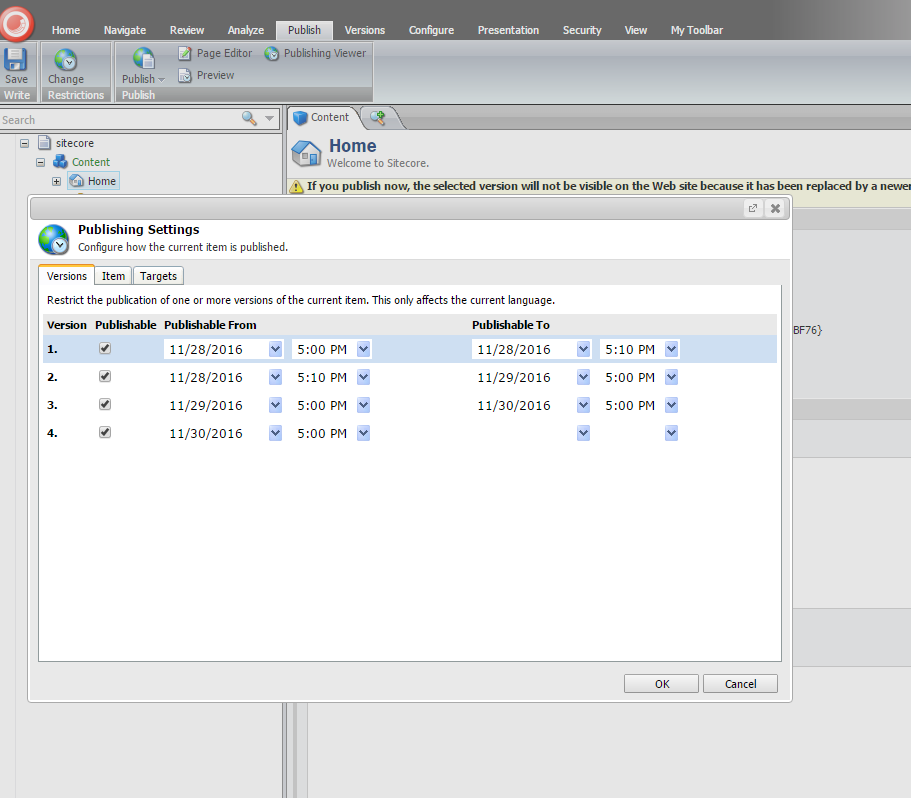
  2. Then you go to a child item and publish it.It will delete everything that sits under the parent item to the child but it will not show any warning message like: the version you try to publish will be not displayed. Is life fare ?!?! I don’t know. But it should be some kind of message(my opinion!?).
  3. The only error you will get is this “layout not found” which will make you crazy and will force you to start republishing layouts and sublayouts and eventually punch the monitor 🙂 (which I did, but this may not apply to all)

VP