Hi guys,
A cool thing you can do with your website is to set the links which appear as shortcuts on your iPhone or iPad when you press “Add to home screen”.
This is a very cool feature if you have responsive design websites that people use constantly from devices.
Yes Apple is awesome. 🙂
Requirements: I would like to be able to change the images that appear when I use the feature “Add to home screen” my website on apple devices.
Step 1:
Add this to your main layout html:
<link rel=”apple-touch-icon” href=”touch-icon-iphone.png”>
<link rel=”apple-touch-icon” sizes=”76×76″ href=”touch-icon-ipad.png”>
<link rel=”apple-touch-icon” sizes=”120×120″ href=”touch-icon-iphone-retina.png”>
<link rel=”apple-touch-icon” sizes=”152×152″ href=”touch-icon-ipad-retina.png”>
Something like this:
Step 2:
If you are using Sitecore you can add 4 images in the media library for each type. On a settings item or on the Home item of your website you can set up 4 fields for each type.

Step 3:
In case of sublayouts in the code you can add a property to get that url of the image .
Example:
<link rel=”apple-touch-icon” href=”<%= GetAppleShortcut(“Apple Iphone 60×60”)%>” > You could do things better here 😀 ; usually I use xslt for the meta tags.
In case of xslt you can use :
Example:
<link rel=”apple-touch-icon” href=”{sc:fld(‘Apple Iphone 60×60′,$homeItem,’src’)}”>
Step 4:
Open your website on a iphone/ipad with retina or not and see the magic happen 😀
For example checkout this cool website: http://www.jurassicencounter.com/
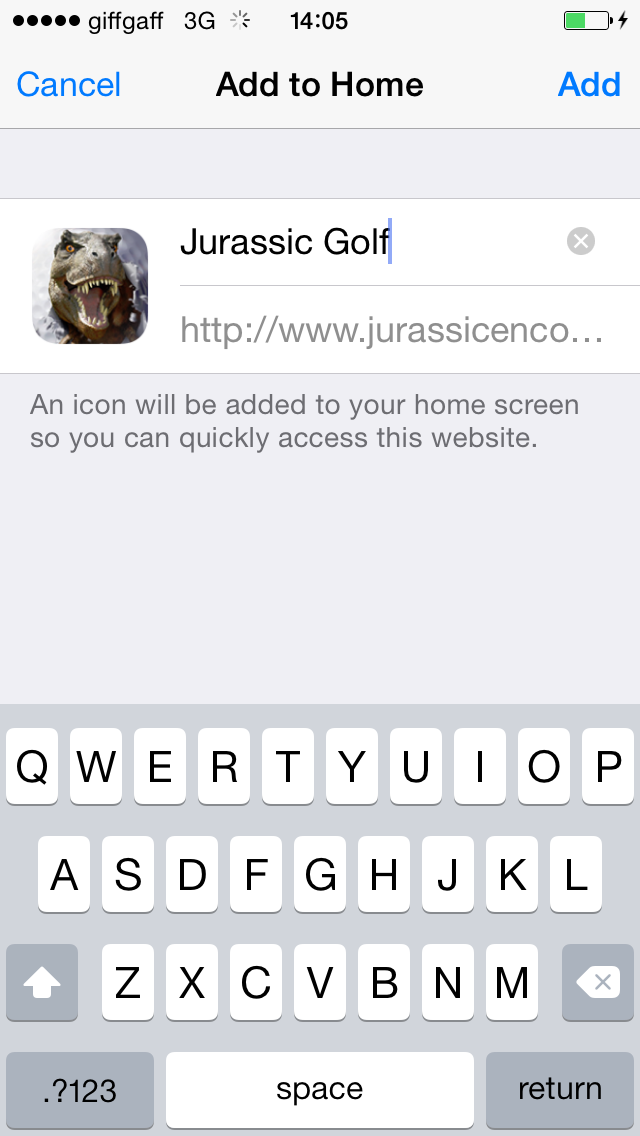
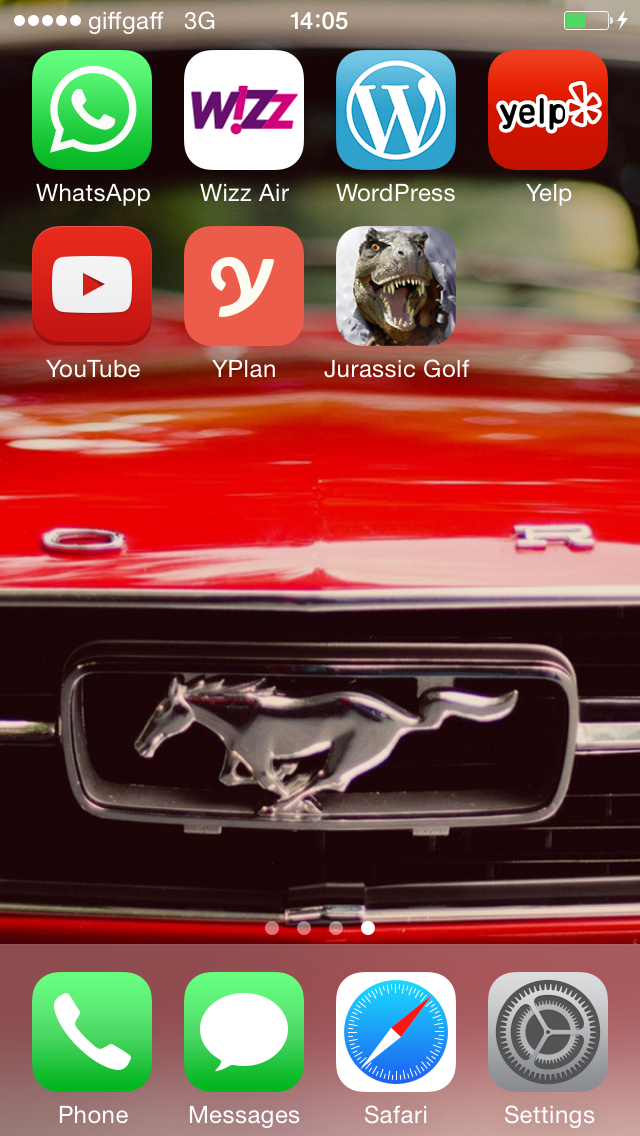
I hope you like it. Best of luck.
Viorel
 Life with Viorel Petrea